
Perkins County Court Calendars Explained
Nebraska puts its Multi-Court Case Calendar at the center of any Perkins County court calendar search. You have to pick a court type first. That choice matters. Perkins County Court takes traffic matters, misdemeanors, ordinance cases, and other limited-jurisdiction work. Perkins District Court handles the general-jurisdiction cases. Select the court type, then choose Perkins from the county list.
What the calendar gives you is a fast look at current or future settings. It is not a case history. The state itself warns that entries may lag. An empty result does not prove no court date exists. So treat a calendar hit as a lead. Check it against the register of actions. Confirm anything time-sensitive with the clerk.
The live form offers a search type, a search value, a court type, a county selector, and Reset and Search buttons. The full list of court options loads only through those interactive controls. The page needs JavaScript to work. Use the live Perkins selection. Note the court type in your own files when County Court and District Court cases share related captions.
Perkins Court Calendar Portal
The official Nebraska Multi-Court Case Calendar is the public search route for Perkins court calendar settings.
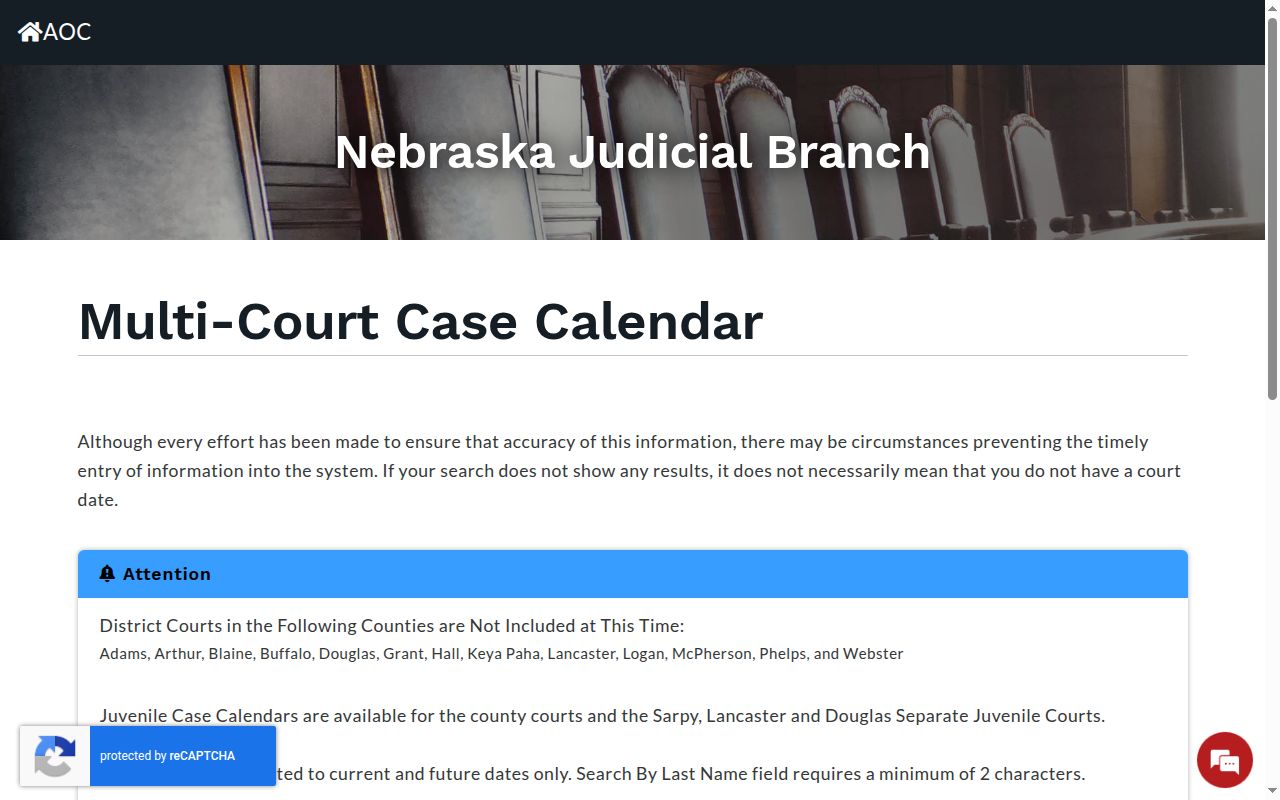
Use Search By Date for a current or future date. Use Search By Last Name when the surname has at least two characters. The page depends on JavaScript. So the live controls are the way in, not a static list of court options. Before you check the case docket, write down the case number shown with your result.
| Calendar field | Perkins court-calendar use |
|---|---|
| Search Type and Value | Choose Date or Last Name; date is current or future and a name needs two characters. |
| Court Type and county | Choose County Court or District Court, then select the Perkins court. |
| Search and Reset | Run the selected query or clear it before changing the court layer. |
| Result setting | Capture the court date, case/caption, time, location, judge, and setting details shown. |
Note: A calendar no-result screen is inconclusive, so confirm any critical Perkins setting through the docket or the clerk.
Finding Your Court Date
Start with the public calendar when you want a coming Perkins setting. A case number helps, but a surname or a future date may work too. Still, never lean on the calendar alone for a date that matters. JUSTICE, the courthouse terminal, the clerk, and the underlying notice each play a different part. Together they round out the search.
- Open the calendar, choose a date or last-name search, then select County Court or District Court and Perkins.
- Save the case number, date, time, location, judge, and setting description from any matching result.
- Use Nebraska Judicial Branch eServices or the free courthouse JUSTICE terminal to read the register of actions for later settings, continuances, or orders.
- For a time-sensitive date, call the shared Perkins clerk contact at 308-352-7530 with the exact name, case number, and court type. The clerk counter and a focused mail request are further documented local channels for an identified record.
A city office can explain an ordinance citation it issued. But it is not the court record. The Grant city contact is a local source for city-office information. Grant, Madrid, Venango, and Elsie post no independent public court calendar. No official Perkins printed daily or weekly calendar exists either. State appellate dates live in SCCALES. Federal dates belong with PACER or the federal clerk.
The Grant City Hall contact page identifies the city-office setting behind a Perkins ordinance question.
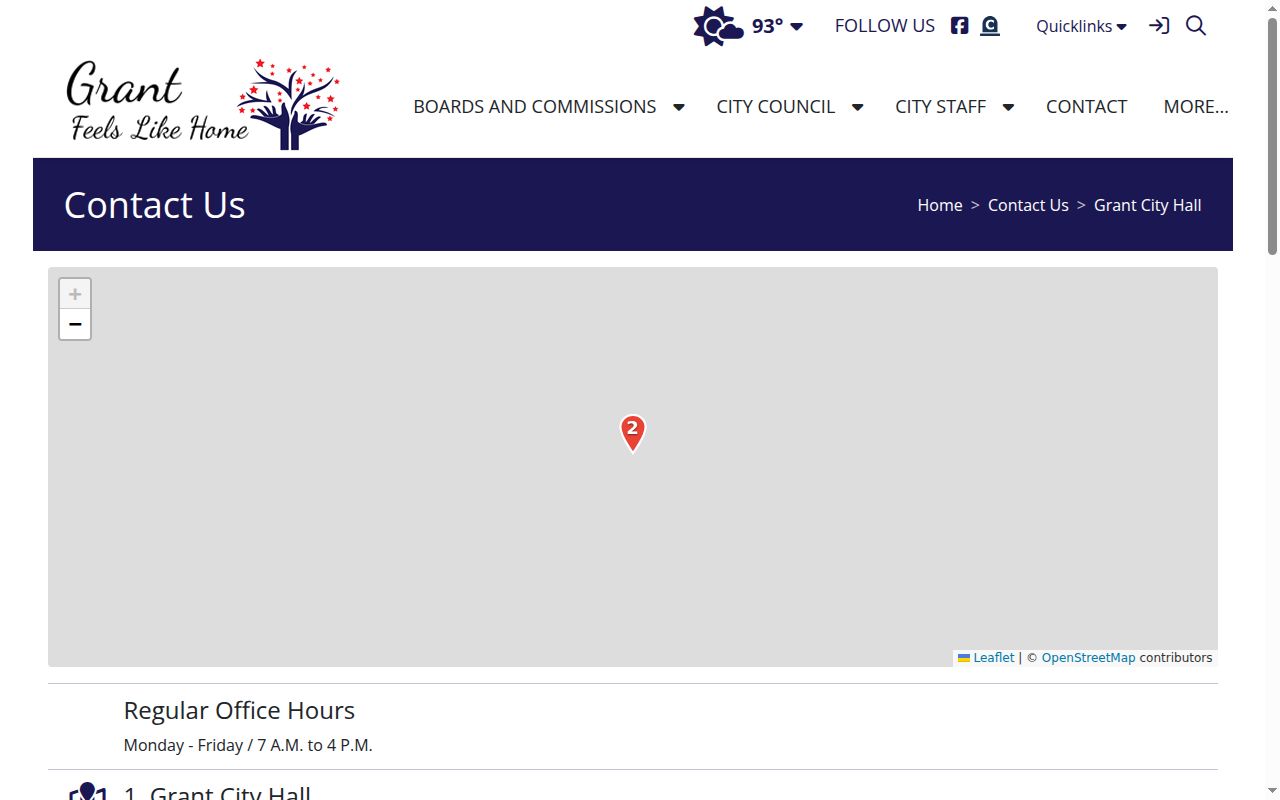
For a Grant citation, the city may point you to the office that issued it. The court setting itself still comes from the Perkins County Court calendar and case record.
Perkins Court Date Search Limits
Date searches cover current and future dates only. A last-name search needs at least two characters. Search under the record name. Reset the form after switching court type, since County Court and District Court are separate choices. A past hearing or resolved event often reads more clearly in the register of actions than in the live calendar.
A citation from Madrid does not open a separate Madrid court-calendar search. The Madrid village contact source can help with local questions. But the court setting stays a Perkins County Court matter unless the citation says otherwise.
A city contact can identify a village issue. It cannot supply a substitute municipal docket or a court-date result.
How to Read a Court Setting
Read every Perkins setting as a cluster of fields. The date alone tells you little. The court and county mark the record layer. The case number ties the calendar entry to the register of actions. A hearing might be an appearance, a motion hearing, a trial, or something else entirely. Do not assume it is a final trial date.
Treat location and judge fields with the same care. District 11 judges hold designated home courts and travel assignments. So a directory address does not prove which room a given Perkins event sits in. The calendar's displayed location and the most recent notice are better guides for where to appear. And if the case carries a filed order or notice image, read it. Its conditions may exceed a short calendar line.
| Court and county | Shows whether the setting is in Perkins County Court or Perkins District Court. |
|---|---|
| Case number and caption | Connect the calendar result to the correct case summary and register of actions. |
| Date and time | The scheduled setting information, which should be confirmed when it affects an appearance. |
| Location | The courtroom or location shown by the calendar, rather than an assumption based on a judge's home court. |
| Judge and setting type | Identifies the assigned judicial officer and the kind of event scheduled. |
| Status or notes | May signal a change, but the docket entry or filed order can supply the fuller context. |
Perkins Calendar and Docket Events
The calendar answers one narrow question: what setting is displayed right now? The register of actions is the official record of the case. It is chronological. It covers everything, from the initial filing through later filings, hearings, orders, new settings, and the outcome. The case number is the bridge. Use it to join the fast calendar view with that fuller record.
| Calendar result | Register of actions |
|---|---|
| Current or future setting lookup | Chronological case history |
| Date, time, location, judge, and setting information as available | Filings, settings, orders, and other docket events |
| Useful for locating a scheduled appearance | Useful for seeing whether a setting moved or an order explains it |
Found a Perkins County hearing and now want the full history behind it? The county's Case Lookup page walks through the state case-search channels. It also covers the fields each one returns. Calendar settings and register entries serve different purposes. Note: Keep the court type with the case number. That matters whenever you compare a Perkins calendar setting against a register entry.
Continuances, Resets, and Cancellations
Perkins County publishes no local codebook for reset, continued, or cancelled entries. So read those words in their ordinary scheduling sense. A continuance or reset moves a setting to a new date. A cancellation, by contrast, can remove the event entirely. Resist guessing at local abbreviations that no official source defines.
A later register entry proves the court recorded another event. It may still leave conditions and deadlines unclear. When the actual order or notice image exists, read it. A citation date can conflict with the online calendar. If it does, follow the citation's instructions. Ask the court right away whether the appearance still stands.
New settings can appear after older ones. That is why you should note the search date along with the court date. The calendar locates a setting. The register places that setting in its sequence of filings, hearings, and orders. If a change looks disputed, ask the clerk which entry controls. Do not read a missing display as a cancellation.
Perkins Calendar Results Need Confirmation
Three practical routes confirm a Perkins County calendar result. There are the online statewide tools. There is the public JUSTICE terminal at the courthouse during regular hours. And there is a focused question to the clerk. Give a clerk a full party name plus the case year or type. Locating a specific record then gets easier. A case number works best of all. Use it when you need a copy or a precise answer about a setting. Nebraska's court-records search policy lays out the public terminal, clerk, and records-request channels in full.
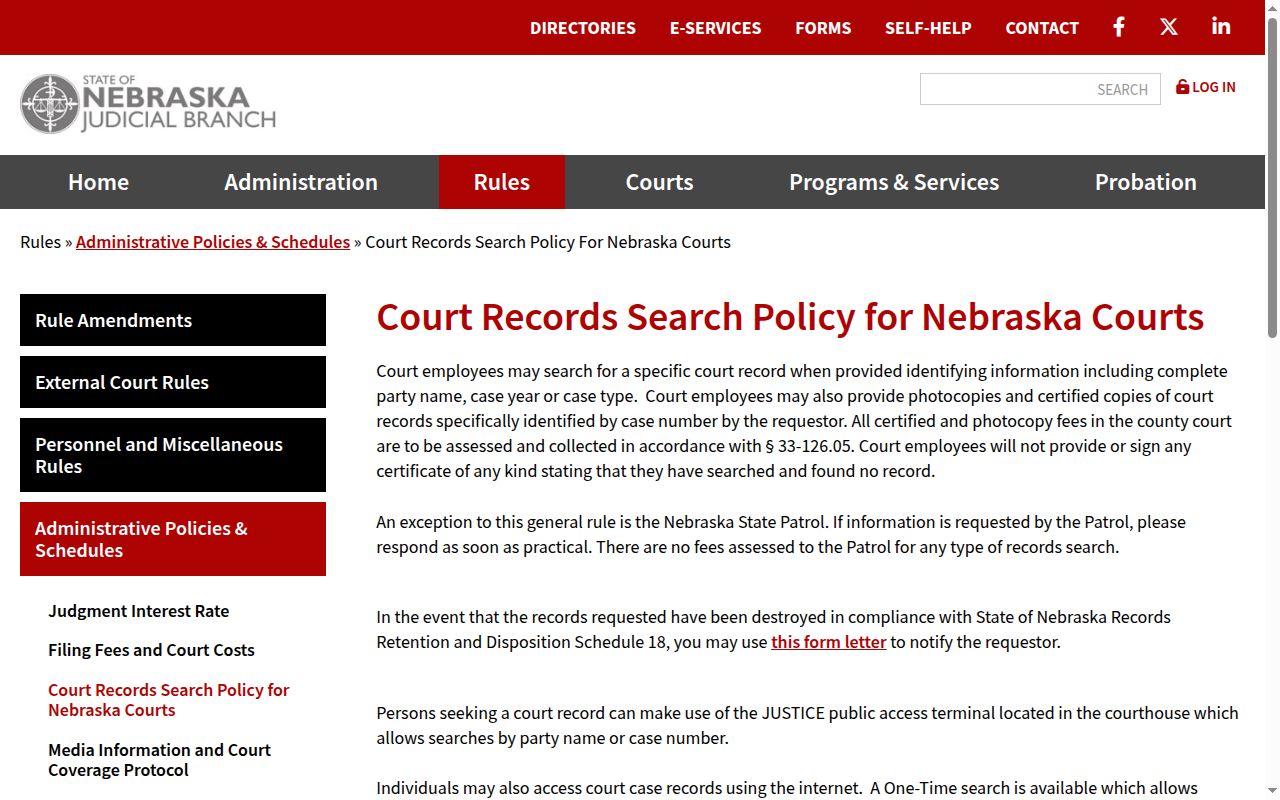
One limit matters here. The policy supports a focused records request, not an open-ended staff investigation. Broader court-system requests go the formal route instead, through the State Court Administrator under the Nebraska Public Records Act.
Perkins Court Calendar and eFiling
Nebraska.gov runs the authorized eFiling service tied to JUSTICE. That login is not a public Perkins County court-calendar search. It serves authorized filing users. Account and transaction-history functions are built in. A public visitor hunting for a setting should rely on the calendar. JUSTICE access and the clerk also work. Treat eFiling as a filing tool, never a date lookup. The official Nebraska eFiling login shows that separate authenticated service.
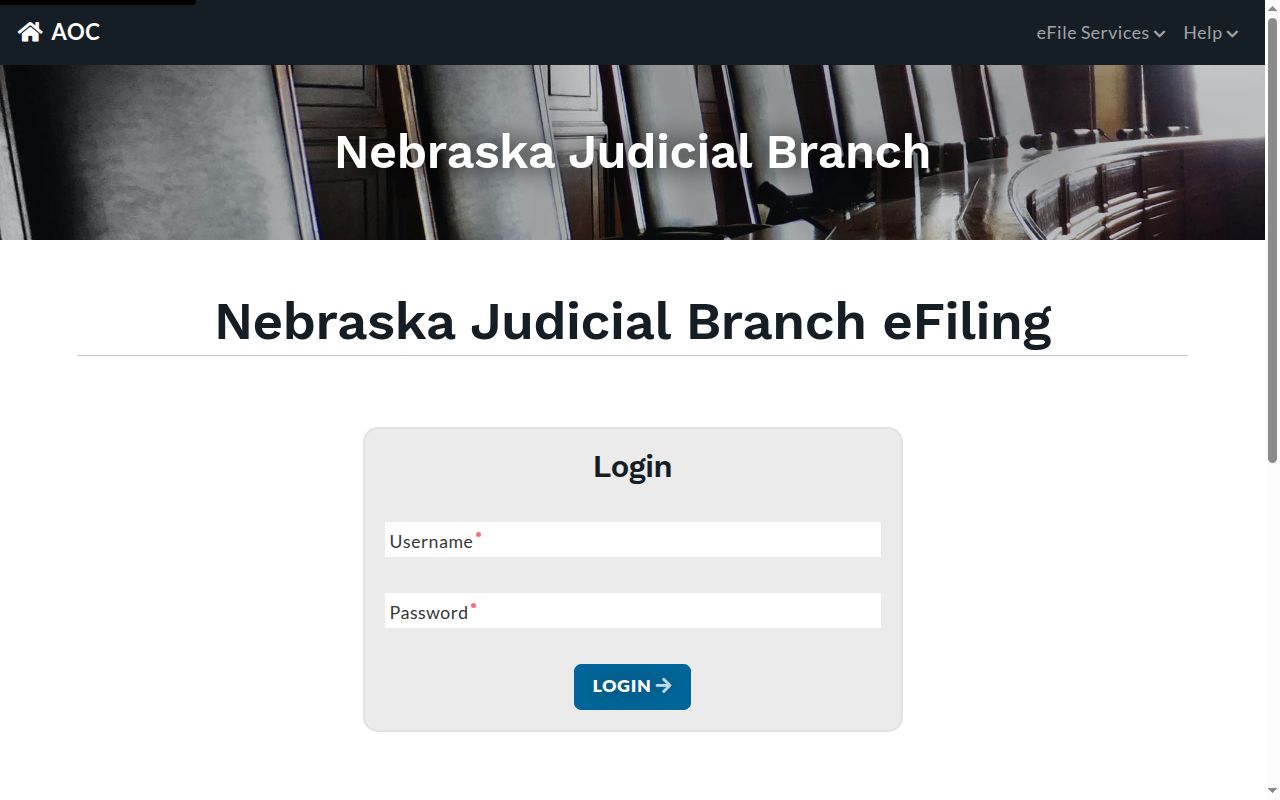
Keeping the filing system and the calendar separate saves you a common dead end. eFiling answers filings, not court dates. Note: eFiling and public calendar access are distinct Nebraska services, even though both connect to the court system.
If You Miss a Court Setting
Missed a Perkins County court date? Contact the clerk promptly. Ask which register entry is current. Ask what the next step in your case is. A lawyer can explain available remedies and any order now in force. Do not lean on a generic online result to patch things up. A blank calendar entry does not mean the court date vanished.
Missed a traffic setting? Nebraska traffic information says a warrant can remain active until it is recalled.
Call the court promptly, follow the case-specific instructions, and provide the citation or case number if known.
For a non-traffic matter, ask the clerk about the current order and consult a licensed attorney about the missed Perkins setting before appearing.
Lost a traffic citation? The state instructions send you to the court. The citation's appearance date applies when no waiver is used. Because the right response depends on the case, confirm payment, a new date, and any recall question with the court rather than inferring from a calendar search. Note: The calendar is a fine starting point. But the clerk and the current docket record are the safer confirmation channels for any deadline-sensitive appearance.